
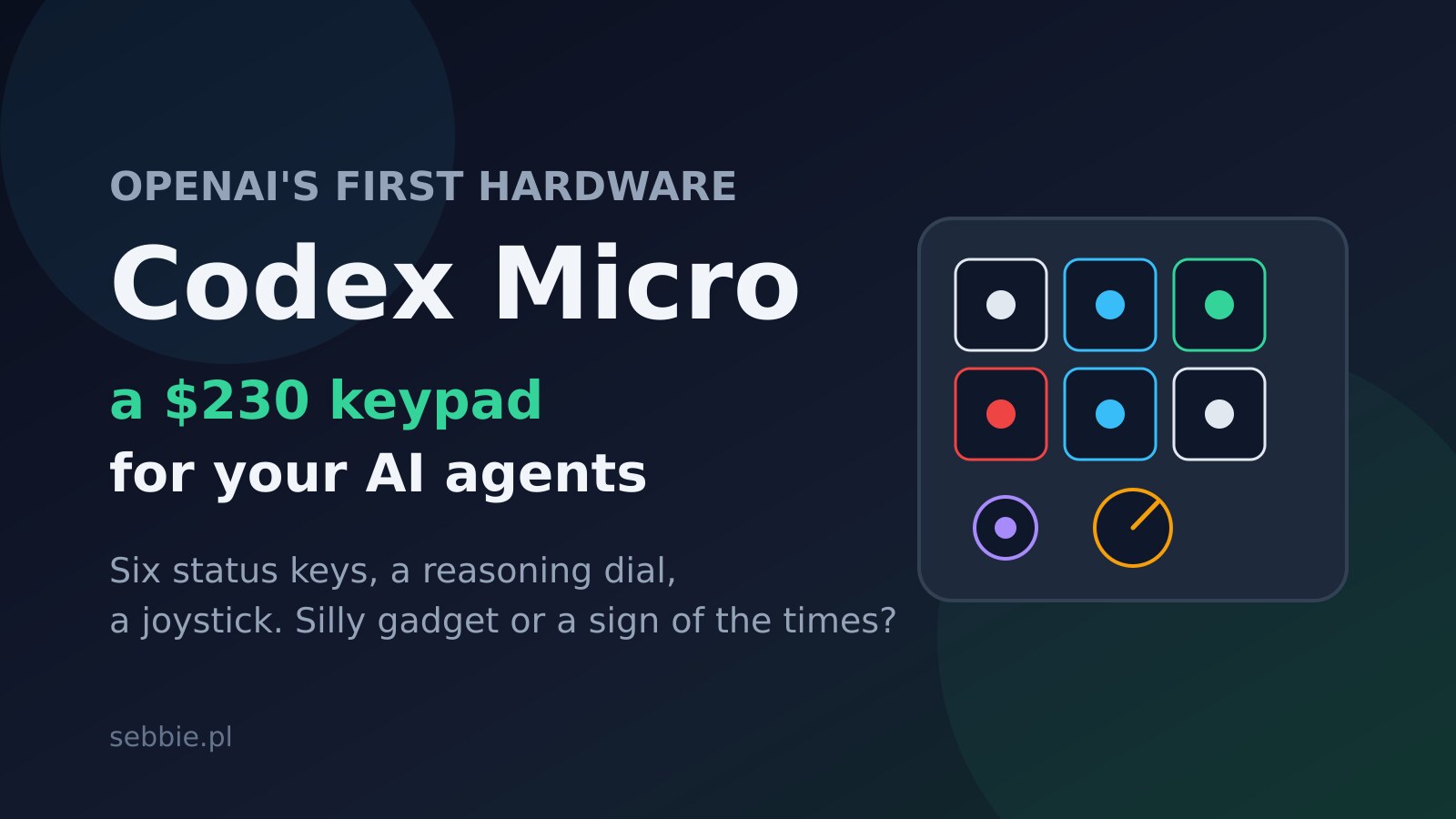
OpenAI's first piece of consumer hardware is not a phone, not a wearable, not the mysterious Jony Ive device we have been hearing about for a year. It is a 230 dollar macropad with six glowing keys, a rotary dial and a tiny joystick, built together with keyboard maker Work Louder, and its only job is to control Codex agents. When I first saw the Codex Micro announcement on July 15, I laughed. Then I thought about how I actually work with coding agents every day, glanced at the terminal tabs I keep alt-tabbing between just to check whether an agent has finished, and stopped laughing. This weird little keypad says more about where AI-assisted programming is heading in 2026 than most model releases do.
What exactly is Codex Micro
Codex Micro is a small desktop keypad designed specifically for driving Codex, OpenAI's agentic coding tool. The hardware itself comes from Work Louder, a company known in the mechanical keyboard scene for its creator-focused macropads. The specs of the collaboration look like this:
- Six frosted "agent keys" with RGB LEDs that track live agent status. One tap selects the agent bound to that key, a double tap brings its session to the foreground.
- A color language for agent state: white means idle, blue means the agent is thinking, green means finished, red means an error.
- A rotary dial that adjusts the Codex reasoning level on the fly - literally a physical knob for how hard the model thinks.
- A planar joystick for flicking between workflows and views.
- Command keys for common actions like accepting or rejecting proposed code.
- 32 extra keycaps for custom mapping, a choice of silent or clicky switches, and USB-C or Bluetooth connectivity.
Price: 230 dollars, orders open now. For context, that is more than many full-size mechanical keyboards and about the price of two months of a top-tier AI coding subscription.
Why a keypad, of all things
It is easy to file this under "gadget nobody asked for", and plenty of people did exactly that within an hour of the announcement. But I think the mockery misses what problem this thing is actually pointing at.
The way we use coding agents changed dramatically over the last year. In 2024 you chatted with an assistant in a sidebar. In 2026, the standard workflow for a lot of developers - me included - is running multiple agents in parallel: one refactoring a module, one writing tests, one chewing through a migration, maybe one doing research. I described this shift in my July overview of the AI coding stack in 2026 - the bottleneck is no longer generating code, it is orchestrating and reviewing the agents that generate it.
And orchestration has a genuinely annoying interface problem. Agents are asynchronous. They finish at unpredictable moments, they get stuck, they wait for approval. Today you learn about all of this by polling with your eyes: switching tabs, checking terminals, glancing at notification toasts that vanish. Every check is a context switch, and context switches are exactly what deep work cannot afford.
Codex Micro attacks that problem with the oldest trick in HCI: ambient peripheral information. Six keys glowing in your peripheral vision tell you the state of six agents without you touching anything. Blue, blue, green, white, blue, red - one glance, zero window switching, and you know the test-writing agent is done and the migration agent just fell over. That is not a gimmick. That is a status dashboard moved off the screen, where screen real estate is the scarcest resource a programmer has.
The reasoning dial is the part I find genuinely clever. Model reasoning effort is a real parameter we all juggle now - low effort for boilerplate, high effort for gnarly debugging - and it usually lives buried in a settings menu or a slash command. Putting it on a physical knob reframes it as what it actually is: a volume control for intelligence, adjusted casually, mid-task, without breaking flow.
The context: OpenAI's messy road to hardware
There is corporate drama in the background that makes the timing interesting. OpenAI is in the middle of a legal battle over its io hardware brand - the trademark dispute with iyO over the name has been dragging through courts - and the famous Jony Ive-designed device, reportedly a screenless smart speaker, is still rumored for later this year. TechCrunch pointedly framed Codex Micro as arriving "amid hardware legal battle".
Seen through that lens, Codex Micro is a low-risk way for OpenAI to enter hardware: a niche accessory, built by an experienced partner, aimed at its most loyal user base - developers - with none of the ambition (or exposure) of a mass-market consumer device. If it flops, it was a fun collab. If it works, OpenAI has learned something about shipping atoms before the big device lands.
Does a 230 dollar macropad make sense?
Honest answer: for most developers, not yet. You can replicate 80% of this with a generic Stream Deck, some scripting and desktop notifications, for less money. The keypad is locked to one vendor's agent ecosystem, and 230 dollars is steep for what is mechanically a six-key macropad with nice LEDs.
But I think judging it as a keyboard accessory is the wrong frame. The interesting thing is that an AI lab decided agent orchestration deserves dedicated physical hardware. That is a statement about workflow: OpenAI is betting that "developer supervising a fleet of agents" is a durable enough pattern to build atoms around, not just UI. Compare that with what the editor-side players are doing - Cursor training models on editor telemetry with Grok 4.5, GitHub opening Copilot to open-weight models - and a pattern emerges. Everyone in the AI coding market is fighting to own the layer where the developer actually spends attention. Models are becoming interchangeable; the orchestration surface is not.
There is also a precedent argument. Niche hardware for professional workflows has a habit of starting as a joke and ending as a category: think of how Stream Deck itself went from "Twitch streamer toy" to standard kit on serious desks. If parallel agents keep being the way software gets built - and everything I see says they will - then "agent status hardware" in 2026 might look, in a few years, like the first clunky draft of something normal.
How to get most of this without spending 230 dollars
Since I suspect most readers are now half-tempted and half-annoyed, here is the pragmatic middle path. The core idea - agent status in peripheral vision, physical controls for common agent actions - is replicable today with hardware you may already own:
- Stream Deck plus scripting. Most coding agents expose hooks or at least exit codes. Wire "agent finished" and "agent needs approval" events to button colors on a Stream Deck, and you have the six glowing keys for less money, vendor-agnostic.
- Terminal notifications done properly. On macOS, a simple hook that fires when an agent session goes idle covers the "did it finish" problem. The trick is making the notification persistent instead of a vanishing toast.
- A dedicated status window. Even a tiny always-on-top terminal running a status script, parked in a screen corner, beats alt-tab polling. Low tech, zero dollars, surprisingly effective.
- Map reasoning presets to keys. If your agent CLI supports reasoning-effort flags, bind low/medium/high presets to three keys or aliases. The knob is nicer, but the muscle memory is the same.
What none of this replicates is the integration polish - the double-tap-to-foreground behavior, per-agent key binding that survives restarts, and the fact that somebody else maintains it. That is what the 230 dollars actually buys.
Summary: silly gadget, serious signal
Codex Micro is easy to mock and hard to dismiss. As a product, it is a 230 dollar accessory for enthusiasts with too many terminal tabs. As a signal, it marks three real shifts: OpenAI is now a hardware company (in the smallest possible way), agent orchestration has become a first-class workflow worth optimizing, and physical controls for AI - status lights, reasoning knobs - are being taken seriously by the biggest lab in the industry. I am not ordering one. But I did catch myself, twice today, glancing at my terminal tabs to check on an agent, and thinking: a green light in the corner of my eye would have saved me that trip.
Sources: TechCrunch, Engadget.